DJI Firmware and Third-Party Batteries: What the “Battery Lock” Really Does
A “battery lock” is firmware policy, not hardware. Some DJI airframes have been affected in public reports and some never have — so the answer starts with one check before you buy.
A “battery lock” is not a latch, and it is not a chip that physically disables a pack. It is a firmware behaviour: when you power up, the aircraft and the battery run a short handshake, and a firmware update can change what that handshake accepts. Some DJI airframes have been affected in public reports; others have never shown any sign of it. The practical answer is one check before you buy — know your aircraft firmware version, and buy from a seller who will take the pack back if the firmware says no.
What is actually happening during the handshake
Every DJI intelligent flight battery carries a small controller that reports capacity, cell voltages, temperature, cycle count and health to the aircraft. Before it spins a motor, the aircraft asks the pack to identify itself, and that exchange is implemented in firmware. When DJI updates the firmware, it changes the rules on the aircraft side of the conversation — so a third-party pack that answers differently can be refused, flagged, or read incorrectly. The consequences people report range from a warning in the app, through reduced power or a refused take-off, to a battery percentage that jumps around in flight.
Where the term comes from
The phrase entered the hobby after the January 2020 DJI firmware update, which was widely reported to restrict third-party batteries on several popular airframes. DJI framed the change as a safety measure; pilots framed it as a lock, and the name stuck. Years later the underlying mechanism has not changed — firmware still governs the handshake — which is why the question returns with every new aircraft generation rather than disappearing.
Which airframes carry a real risk
Our firmware reference tracks this per family, using DJI’s own published documents rather than our opinion. The short version:
| Risk | Families | What to do |
|---|---|---|
| Check first | Mini 4 Pro, Mavic 3 series, Air 3 series | Named in public reports of firmware-level battery checks. Confirm your firmware version before ordering; the 30-day firmware-incompatibility return covers you either way. |
| Watch | Mini 5 Pro, Mini 3 / 3 Pro, Matrice 4 series, Avata 2, Air 2S / Mavic Air 2 | Recent firmware activity on these families. Nothing blocking in the public record, but confirm your version if the aircraft is fully updated. |
| Low | Mini 2 / Mini 2 SE / Mini SE, Mini 4K, Mavic 2 series, Mavic Pro series, Phantom 3 / 4 series | Older airframes with no public reports of third-party packs being refused. A straightforward replacement. |
The live version of that table — with the exact firmware string and its source for each family — is on our firmware compatibility page. It is built from DJI Mobile SDK release notes, the FAA Remote ID firmware list and the DJI Fly version history: public documents, cited per row, never invented.
How to check your aircraft firmware version
- 1Connect the aircraft to the DJI Fly app and open the camera view.
- 2Tap the three dots (or the settings gear) to open the settings menu.
- 3Scroll to About — sometimes under General Settings — where the aircraft firmware version is listed next to the app and flight-controller versions.
- 4If you are on the beta channel, or have auto-update on, the version changes without warning; check again before a bulk order.
- 5Write the version down and compare it with our firmware reference before you order a third-party pack.
Does it affect charging, or only flying?
The check lives on the aircraft side of the handshake, which is why it shows up at power-up and in flight. A charger does not run the same aircraft-side test, so a pack that an updated aircraft refuses will usually still charge normally in a hub or on a wall charger. That is cold comfort if the aircraft will not fly with it, which is why the return window matters more than the charging angle here.
It also helps to separate two things a firmware update can and cannot do. It cannot alter the cells inside a pack — the firmware lives in the aircraft, not the battery. What it changes is the handshake, and it changes that for every pack the aircraft is asked to accept, ours and the one you bought last year alike. So “will the new firmware lock my battery?” is answered by your aircraft model and its version, not by the age of the pack.
What a refusal actually looks like
The word “lock” suggests a single dramatic event, but the symptoms people report are a spectrum — and knowing them helps you tell a firmware refusal apart from a genuinely faulty pack:
- A battery error or “non-DJI battery” flag in the app, with the aircraft still powering on.
- A charge percentage that climbs or falls in large jumps rather than smoothly.
- Reduced power or a restricted flight mode, even on a freshly charged pack.
- A refusal to take off, or a forced landing shortly after launch.
- A cell-voltage warning on a pack that reads perfectly balanced in the charger.
One rule matters here: a genuine defect and a firmware refusal can look identical from the pilot’s seat. That is why the advice is to check the firmware version first and to test any new pack on the ground — charge it, read it in the app, confirm the numbers hold steady — before you put it in the air. If the readings are clean on the bench and the aircraft still refuses it, the firmware is the more likely cause, not the cells.
What “current firmware” means in practice
DJI ships firmware on a rolling schedule, and the version that matters is the one on your aircraft, not the one on the website today. With auto-update switched on, a pack that worked last month can meet new rules this month. For most pilots flying a single aircraft, the answer is simply to check before a big order. For fleets and enterprise airframes — the Matrice row in our table, for instance — the better move is to pin a known-good firmware version deliberately and confirm it with your supplier before bulk-buying packs, so the whole fleet stays on the same handshake.
What PowerYourFly does about it
Two things, and both are stated on the compatibility page rather than buried in a policy. First, every pack carries a 30-day firmware-incompatibility return: if a firmware update on your aircraft refuses the pack, send it back within 30 days for a refund or an exchange, no argument. Second, we publish what we know and label it as public information — we do not claim a laboratory test on every airframe, because pretending otherwise would be worse than admitting a gap. If there is no published firmware string for your family, the page says “not published” and tells you how to reach us instead.
The honest downside, in one paragraph
Third-party packs are safe to fly, but DJI may decline aircraft warranty service if it decides a third-party battery caused a fault. That is rare and usually obvious when it happens, but it is real, and we would rather you hear it from us than discover it at a service centre. If the aircraft is under DJI Care Refresh, keep one genuine pack aside for any warranty work and fly ours for everything else — the same advice we give, line by line, in the OEM vs third-party comparison.
If your pack is refused after an update
- 1Do not try to force it, and do not fly with a warning you do not understand.
- 2Note the aircraft firmware version and the exact message the app shows.
- 3Check that version against the compatibility page; if it is a brand-new release, tell us — we track these as they appear.
- 4If the pack is refused and you are inside 30 days, email support@poweryourfly.com and we will refund or exchange it.
- 5If you are outside the window, we will still tell you honestly whether a firmware pin or a different pack is your best route.
Products mentioned in this guide
Third-party universal packs, priced at 60% of DJI official — 12-month warranty, free express shipping over $99 in most markets.
 Hot
Mavic 3 Universal Flight Battery
5000mAh · 46 min long endurance
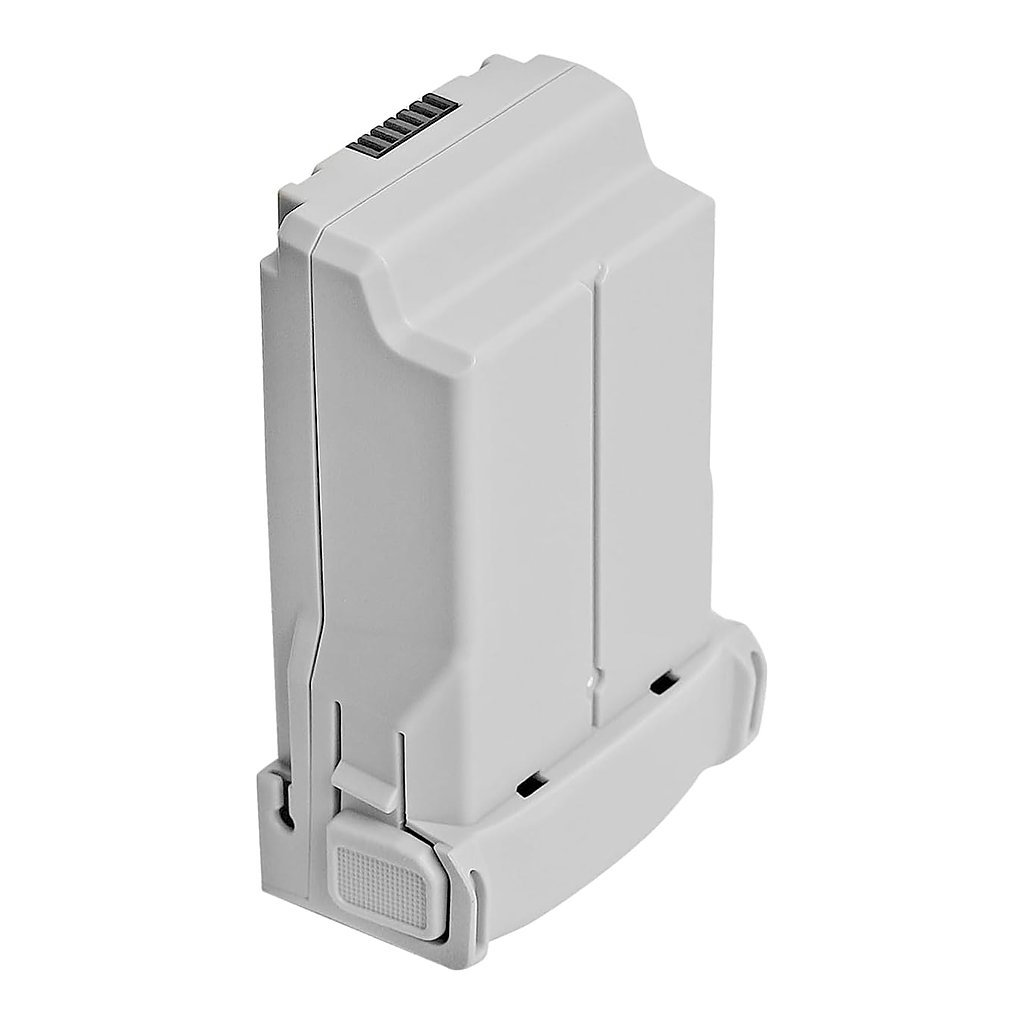 Universal
Mini 4 Pro Extended Battery
3850mAh · up to 45 min flight time
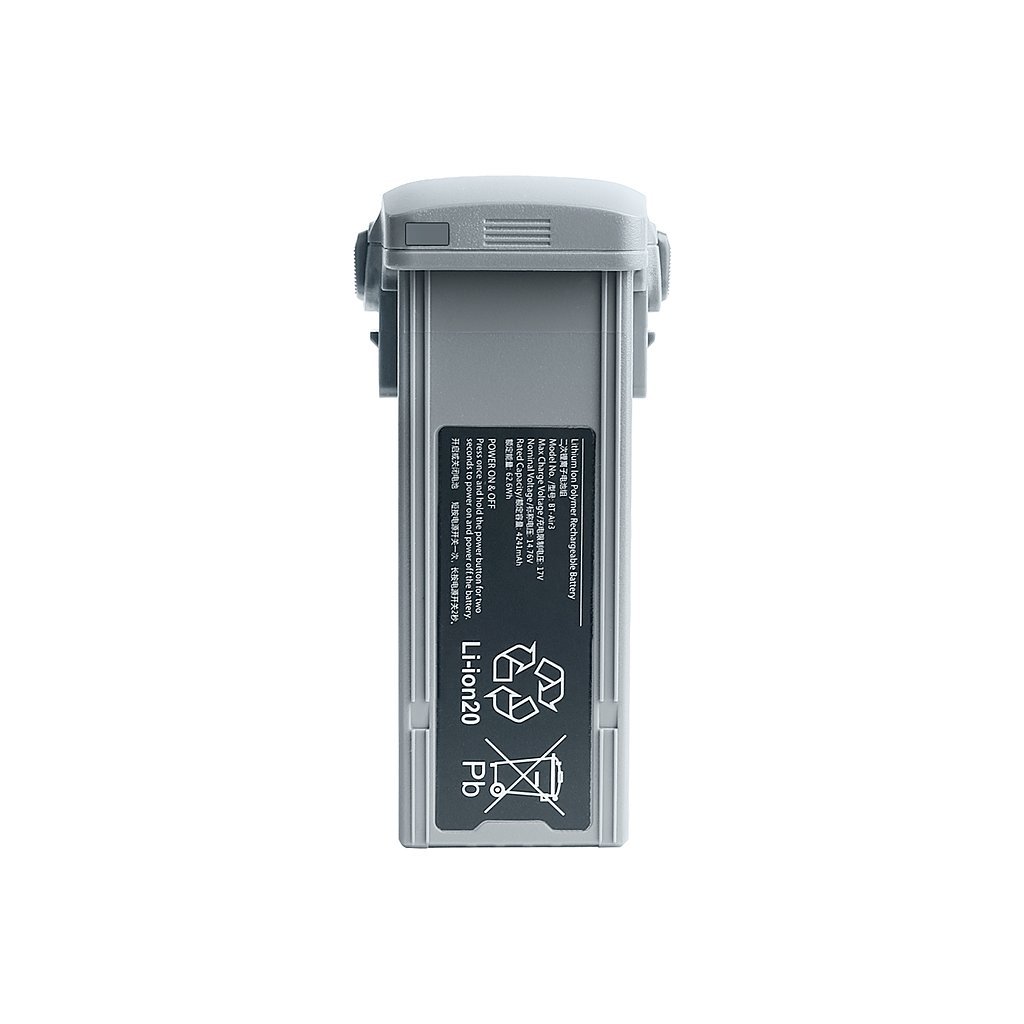 New
Air 3 Long-Range Battery
4241mAh · 46 min flight time
Frequently asked questions
Does a firmware update permanently brick a third-party battery?
How do I find my DJI aircraft firmware version?
Is a third-party battery safe if the firmware accepts it?
Get the next guide — and 15% off
One email when we publish something worth reading, plus a 15% code for your first order. Unsubscribe any time.