How to Check DJI Battery Health, Cycles and Cell Voltage in the App
There is a battery screen in the app that most owners never open. It shows cycle count, cell voltages and temperature — enough to tell a tired pack from a good one in three minutes.
Every DJI smart battery reports its own vital signs, and the app hides them three taps deep. The screen shows the charge-cycle counter, individual cell voltages and pack temperature; read together, they tell you whether a pack is fit to fly, merely ageing, or one flight away from a problem. Here is where to find the readings, how to interpret each one, and the two checks worth doing off the aircraft because the app does not show them.
Where the numbers live
In DJI Fly — the app for Mini, Air, Mavic 3 and newer — open the camera view, tap the "..." menu in the top-right corner, select Safety, then scroll to Battery Info. In DJI GO 4, used with older Mavic, Phantom and Spark airframes, the path is the camera view, the settings icon in the top right, the battery icon, then Battery Details. DJI documents both paths on its support pages, and they have not changed for several app generations.
Do this with the aircraft on and the pack installed, not on the bench: the numbers are reported by the pack’s own controller, and the temperature reading is only meaningful once the electronics are awake. Ninety seconds per battery is enough once you know what you are looking at.
Reading 1 — the cycle counter
A cycle is logged when the pack has discharged 75% of its rated capacity in total, and DJI includes energy lost to automatic self-discharge in that total. A counter of 40 therefore does not mean 40 flights. What matters is the threshold band: under 200 cycles your DJI warranty still applies to the pack (see what the warranty covers), and past that the number stops being about coverage and starts being about how much flight time you are willing to give up. The full arithmetic, including why using the hub as a power bank advances the counter, is in cycle life explained.
Reading 2 — cell voltage spread, the one that predicts trouble
A smart battery is several cells in series, and they should sit within a few hundredths of a volt of each other at rest. As a pack ages or develops a weak cell, the spread grows — and a wide spread under load is how packs cut out mid-flight. Compare the highest and lowest cell on the same screen and judge it against the table below.
| Cell spread at rest | Reading | What to do |
|---|---|---|
| Under 0.03 V | Healthy | Nothing — this is what a good pack looks like |
| 0.03–0.10 V | Ageing or slightly out of balance | Fly shallow, avoid long range, recheck after a full charge |
| Over 0.10 V | Imbalanced | Do not fly it. One more charge cycle, recheck, and retire it if the spread persists |
| Any spread plus swelling, heat or odd smell | Damaged | Stop. Retire the pack — see the swollen-battery guide |
Spread is best read on a rested, partly charged pack rather than straight after landing, because cells recover at different rates for the first half hour. If you only ever check one figure on this screen, check this one.
What the app does not show you
Not every DJI model displays a health percentage, and where it does, the figure is the pack’s own estimate rather than a measurement. Two simple tests fill the gap.
- Flight-time comparison: note the hover or cruise time of a new pack at the same weights and temperature, then repeat every 25 cycles. A 15–20% drop is your signal to move that pack to backup duty.
- Self-discharge test: charge to full, leave it a week at room temperature, and check the level. A pack that falls noticeably faster than its siblings has a cell on the way out.
The three-minute pre-flight check
- 1Open Battery Info and read the cycle count — under 200, or beyond it but still delivering?
- 2Compare cell voltages; anything over 0.10 V spread means the pack stays on the ground.
- 3Check the pack physically: flat, unmarked, no smell. A slight bulge is enough to retire it.
- 4Confirm the temperature reading is in a sane range for the weather you are about to fly in.
- 5After landing, log the flight time against that pack’s cycle count — five seconds that turn guesswork into a trend.
A paper log that pays for itself
A spreadsheet column per battery is enough. It takes a moment to fill in and turns "this one feels tired" into a decision you can date.
| Pack | Cycles | Cell spread | Flight time | Verdict |
|---|---|---|---|---|
| A | 38 | 0.02 V | 44 min | Primary pack |
| B | 112 | 0.04 V | 42 min | Fine — watch spread |
| C | 186 | 0.07 V | 37 min | Backup only, recheck monthly |
| D | 241 | 0.12 V | 31 min | Retired — no more flights |
Two packs on a two-pack shoot tend to converge: the one you fly first ages faster. Rotate deliberately, and you will replace packs one at a time instead of discovering on a shoot day that three of them are finished at once.
Four readings people misread
| Reading | What it usually means | When it is a real problem |
|---|---|---|
| Temperature looks high on the bench | The pack was just charged; the cells are warm | Above roughly 40 °C at rest, hours after charging |
| Still at 100% after a week in the bag | Auto-discharge has not triggered yet | It never drops, or falls far faster than its siblings |
| Cycle count has not moved | You have been flying shallow — 25–30% per flight logs well under a cycle | It sits at zero on a pack you have flown dozens of times |
| “Battery error” on power-up | Dirty contact pins, or a firmware handshake the airframe does not accept | It returns after the pins are cleaned and the pack reseated |
Two of those four are usually harmless, which is exactly why writing the numbers down matters: a single reading says very little, a trend says almost everything. If a pack’s cell spread widens or its flight time drops across two or three logged checks, you have your answer long before the app throws a warning at you.
Where this connects to the rest of the fleet
A pack that fails the voltage or swelling checks should not be sold on or kept "for emergencies" — a retired flight battery belongs at a lithium recycling point with its terminals taped. If you are replacing a tired pack and want to know which capacity to buy for your airframe, our picks by drone model list the standard and extended options and what each weighs.
Two minutes on a pack you have just bought
A new pack deserves the same screen, for a different reason: it is your baseline. Note the cycle count (it should be zero or very close to it), the cell spread at storage charge, and the flight time on your first two flights at a known weight. Keep those three numbers, because every later reading is only meaningful against them — and if a freshly delivered pack already shows a wide spread, a non-zero history or a percentage that disagrees with flight time, that is a warranty conversation with the seller rather than a pack to break in.
Products mentioned in this guide
Third-party universal packs, priced at 60% of DJI official — 12-month warranty, free express shipping over $99 in most markets.
 Hot
Mavic 3 Universal Flight Battery
5000mAh · 46 min long endurance
 New
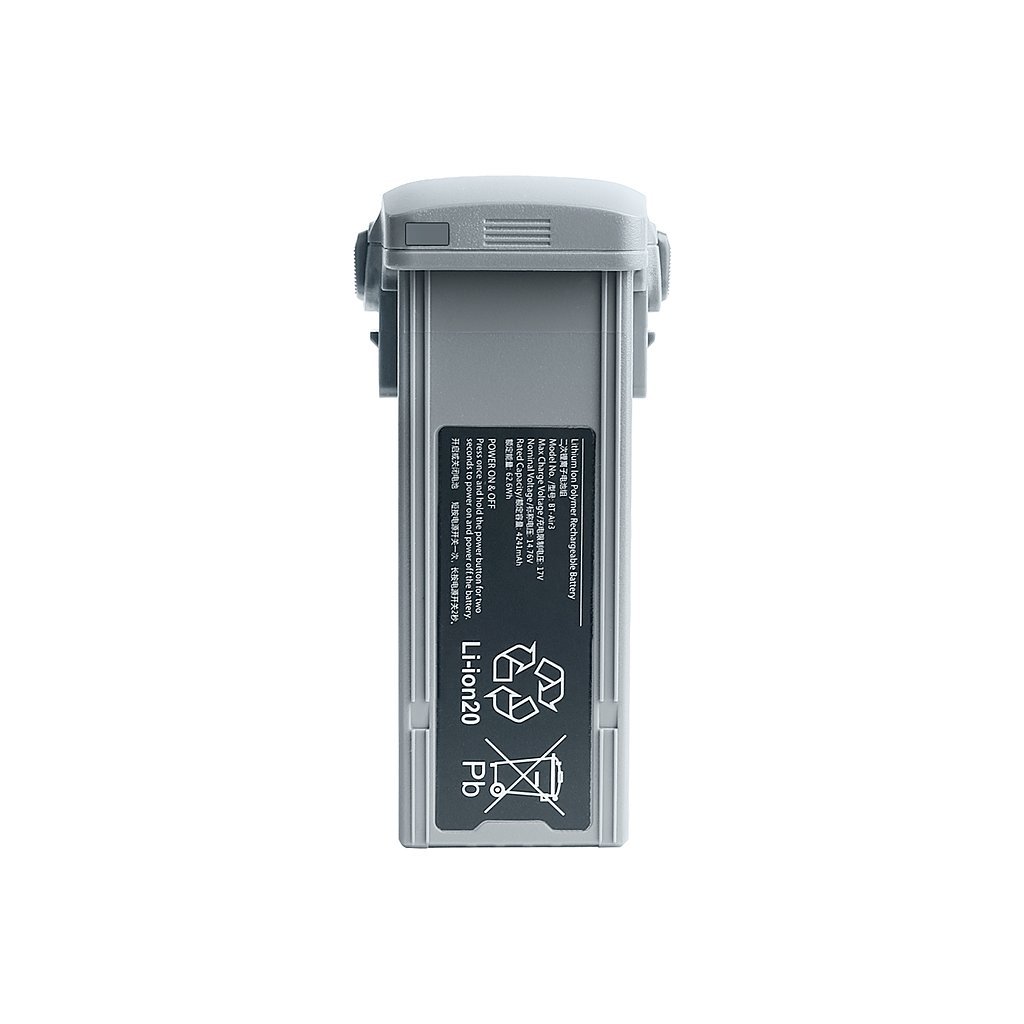
Air 3 Long-Range Battery
4241mAh · 46 min flight time
 Universal
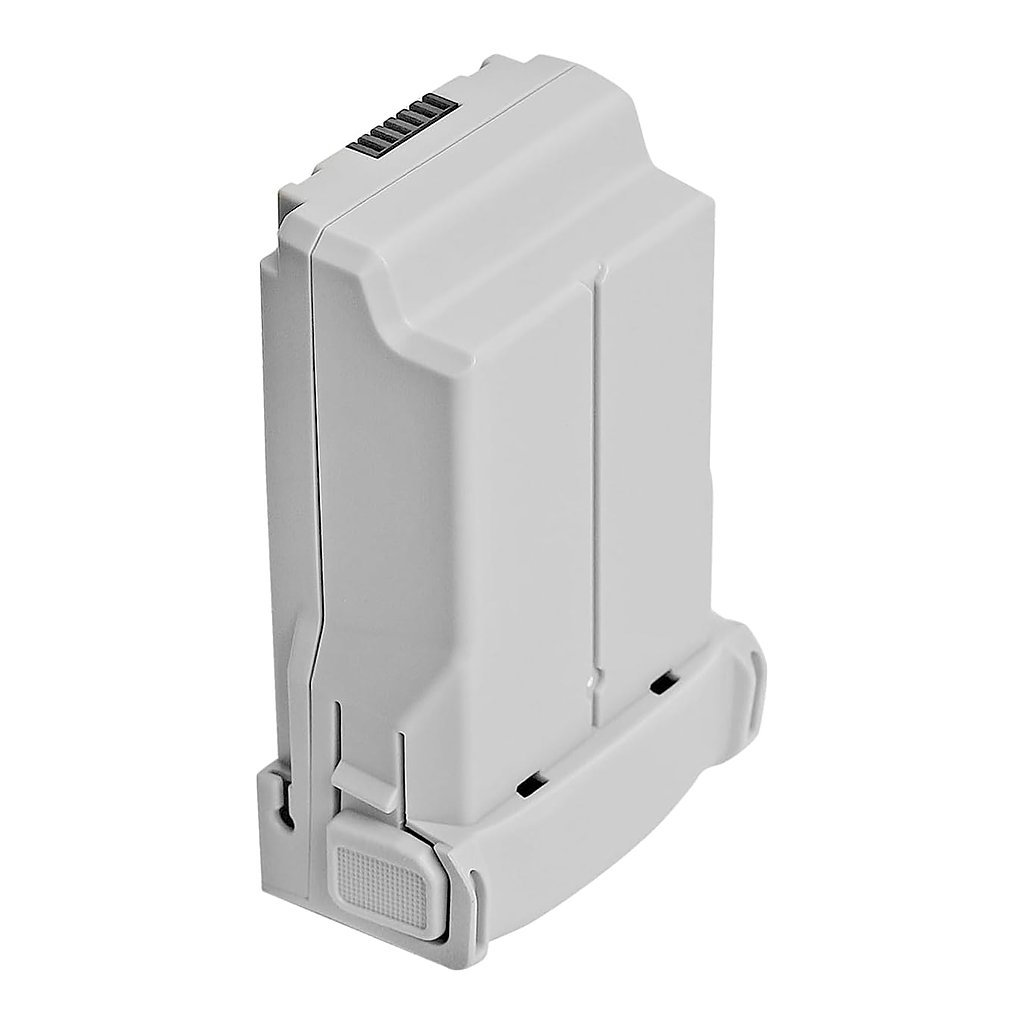
Mini 4 Pro Extended Battery
3850mAh · up to 45 min flight time
Frequently asked questions
Where do I find battery health and cycles in DJI Fly?
What cell voltage difference is too much?
Does DJI Fly show a battery health percentage?
Get the next guide — and 15% off
One email when we publish something worth reading, plus a 15% code for your first order. Unsubscribe any time.